TouchDesigner

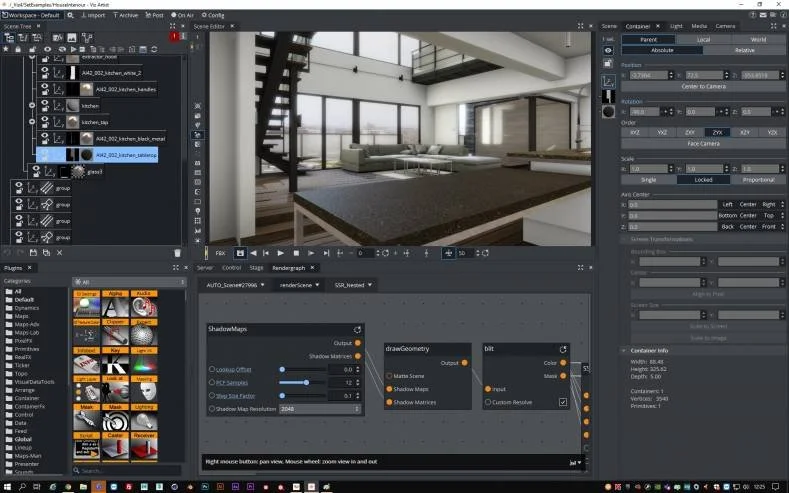
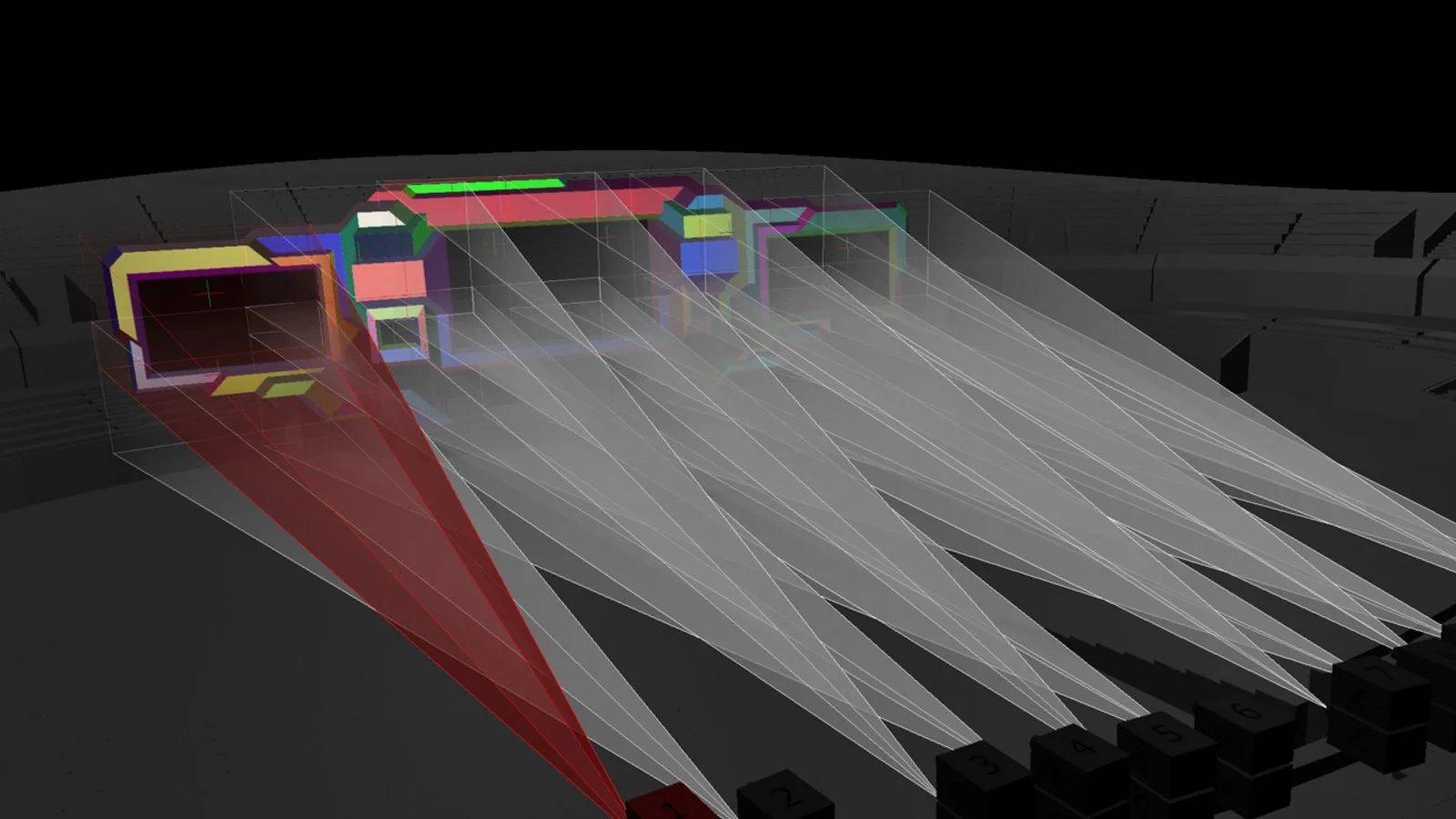
TouchDesigner is a node-based visual programming language available for Windows and macOS.  It creates real-time interactive content and can be used in performance, installations and to create other pieces of media.  TouchDesigner really shines when paired with some form of real-time data that can be used to drive visuals and it is capable of rendering in both 2D and 3D.  As a creative coding tool, TouchDesigner has almost infinite possibilities and the cap of what can be programmed is usually based on what hardware is running it and the skill of the programmer.  

TouchDesigner is able to take input from almost any digital source and can output to pretty much anything that can be controlled digitally.  This makes it an excellent choice when working with any form of sensor.  

TouchDesigner can stream to any RTMP destination which allows to it connect to services such as Vimeo, Twitch, or Youtube Live

Using nodes, which in TouchDesigner are referred to as ‘operators’, users are able to create complex networks which generate or manipulate content.  What makes it so flexible and open however is also what can make it difficult for new users.  Without some instruction or the time to explore users can get lost in the myriad of possible nodes and unlike Isadora, TouchDesigner has no built-in cueing system. 

There are several nodes that come with specific hardware recommendations, if you run into trouble it’s always worth checking the wiki
COST:

  • Free for Non-Commercial license

  • Educational license: $300USD

  • Commercial license: $600USD

  • Pro license: $2200 USD

Projects that used TouchDesigner:


Unity

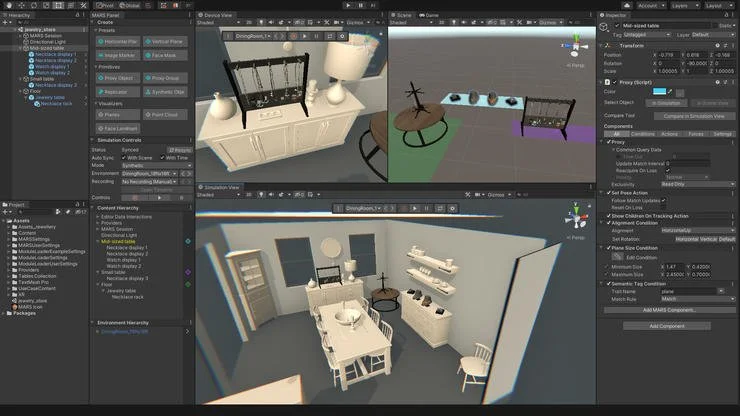
Unity is a game design engine developed by Unity technologies. Originally only for MacOS it is available for Windows as well and can create games for the most modern game and VR consoles as well as for most mobile and desktop platforms.

Similar to Unreal, Unity is capable of creating real-time visuals for games (both 2D and 3D) as well as interactive simulations, film layouts, and other experiences.

Unity has less of a learning curve to get started than Unreal and it is easier to create web-based experiences with it. The backbone of Unity is C#, though users can get started without any coding experience. It is harder though to create photorealistic graphics with Unity than Unreal.

There is a robust asset store with 3D and 2D assets.

COST:

  • Free for students or until a company generates $100 000 annually or if released on closed console systems (PlayStation, Switch, etc.)

  • After this, $1800/yr/seat or higher depending on the tier


Unreal

Unreal is at its core, a game engine created by Epic Games but it has a large swath of applications in the live performance industry. Unreal offers an excellent real-time 3D environment that can create stunning visuals without rendering.  Programming can be done either with its built-in nodes or directly in C++.  It is capable of releasing on most modern gaming and VR systems as well as Windows, macOS, Linux, iOS, and Android. 

Unreal is used extensively in virtual production pipelines and can be connected to either professional tracking gear or more consumer-grade options such as the HTC Vive.

There are substantial assets available both paid or for free available on the Epic Marketplace and the engine comes with example content built into it.

While there are many great tutorials available online (both from Epic and from the creator community) Unreal has a fairly steep learning curve and requires pretty hefty computer resources to run.

COST: Free until a project makes 1 million dollars in gross lifetime revenue


Accessibility Tools
Français du Canada
Skip to content