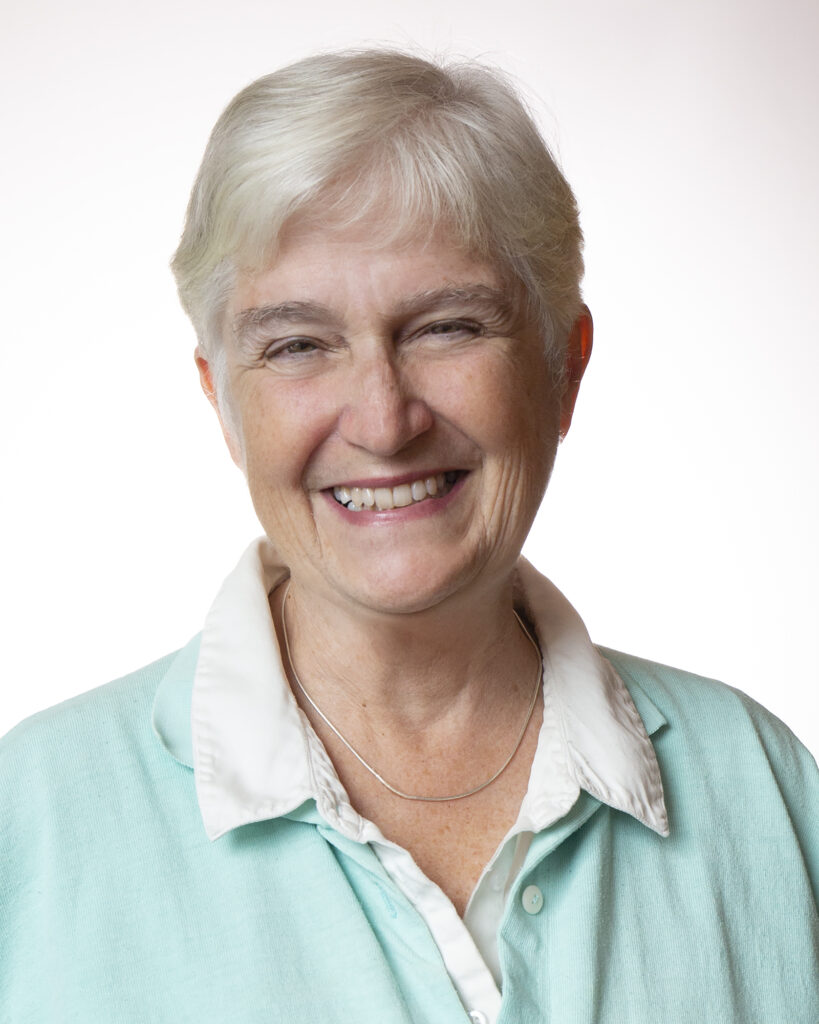
Violeta Sarmiento Marabotto — Traductrice
Née à Mexico, Violeta Sarmiento est comédienne, diplômée du Centro Universitario de Teatro (CUT) de l’Université Nationale Autonome du Mexique (UNAM). Elle a aussi un diplôme en psychologie avec mention honorifique (UNAM).
De 2012 à 2014, elle suit le programme de maîtrise sur les méthodes de formation théâtrale pour les pratiques pédagogiques innovantes intitulé The New Face of Acting Teachers, sous la direction de Jurij Alschitz (UNAM). Elle a également une maîtrise en psychothérapie intégrale à l’Instituto de Psicoterapia Integral y Ciencias de la Salud en 2021.
En 2011, elle participe au séminaire sur la traduction de littérature dramatique francophone organisé par Boris Schoemann et Humberto Pérez Mortera.
En 2012, elle fonde l’Instituto Magia Producciones, où elle est traductrice, productrice, metteuse en scène et comédienne. Elle se spécialise dans la traduction en espagnol de la dramaturgie en langue française.
En 2018, elle est invitée à la rencontre internationale Dramaturgies en Dialogue, organisée par le Centre des auteurs dramatiques (CEAD) à Montréal, en tant que productrice, traductrice et metteuse en scène.
Parmi les œuvres qu!elle a traduites, produites et jouées, on peut citer Portrait Chinois d’une imposteure de Dominick Parenteau-Lebeuf, Petite Sorcière de Pascal Brullemans, Huis clos de Jean Paul Sartre, qui a remporté le prix de la meilleure production au XIVe Festival National de Théâtre au Mexique en 2006. Iris tient salon de Dominick Parenteau-Lebeuf a été présentée de 2015 à 2020, y compris dans des festivals au Mexique et au festival Les Coups de Théâtre en 2018.
En 2022, Petite Sorcière a été en nomination par l’ACPT (Agrupación de Críticos y Periodistas de Teatro) dans deux catégories : meilleure pièce pour le jeune public et meilleure conception de mouvement. En 2016, Iris tient salon a été nominée par l!ACPT dans la catégorie : meilleure actrice révélation.
Entre 2014 et 2018 elle est membre de la troupe permanente de la Compañía Nacional de Teatro (CNT). À deux reprises, (2011-2012) et (2019-2020), elle reçoit la subvention gouvernementale du FONCA (Fonds national pour la culture et les arts) dans le programme Créateurs de scène.
Entre 2011 et 2013, elle a joué en espagnol les œuvres d’origine québécoise Forêts et Ciels de Wajdi Mouawad, sous la direction de Hugo Arrevillaga.
Sa formation multidisciplinaire comprend la musique, le chant, la danse et le théâtre. Dans le domaine vocal, elle a étudié les techniques de Bel Canto, Roy Hart et Linklater. Elle possède aussi une formation en danse classique et fait de fréquentes mises à jour des techniques contemporaines. Elle a fondé le groupe musical Expresso doble. Pendant cinq ans, elle a produit des spectacles et enregistré des chansons en studio.
Elle enseigne Jeu réaliste à Casazul (École des arts du spectacle), de même que Voix et parole à la Casa del Teatro. De 2008 à 2016, elle a enseigné Expression du vers du Siècle d’Or espagnol au CUT-UNAM, et, en 2012, à CEUVOZ. Elle exerce également sa pratique comme psychothérapeute intégrale.